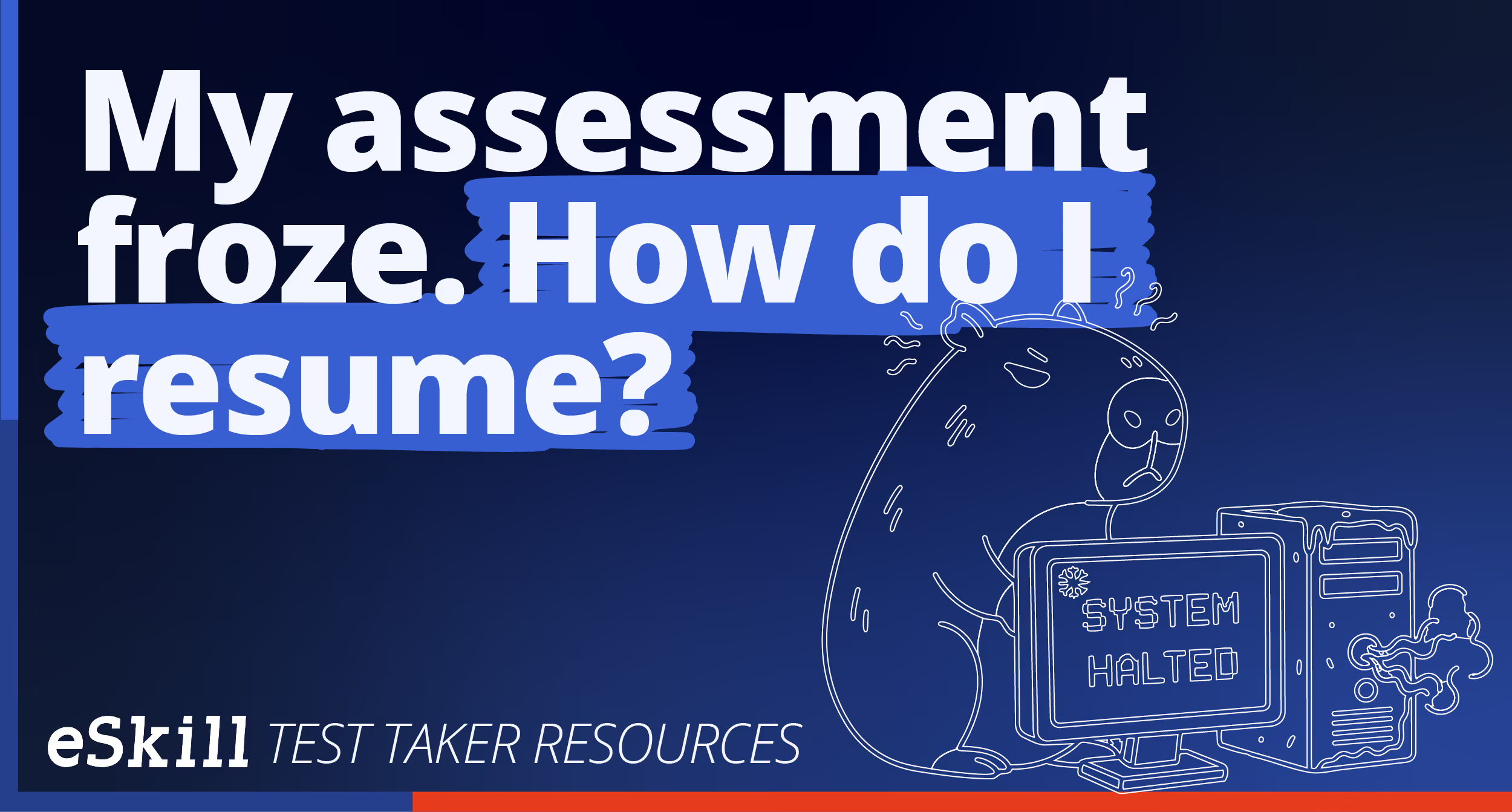
My assessment froze. How do I resume?
Help Center
If you experience issues during your employment assessment or skills test session, please do the following to resume your test:
- Close the test session using the “Close” button in the upper-right corner of your browser window. (DO NOT click the “End Test and Submit Results” button.)
- Clear the cache, cookies, and history from your browser. Then, close and reopen your browser. eSkill is compatible with several browsers. Review our system requirements to ensure your browser is one of them.
- For the best compatibility and performance, we suggest using Google Chrome.
- Access the assessment exactly as you did the first time by using the assessment link or by entering your assessment id on eSkill.com
- Review the “Check Your System Settings” feature on the login screen to verify that your system meets the requirements for eSkill assessments.