

Anti-Cheat Tools
Verified skills lead to trusted results
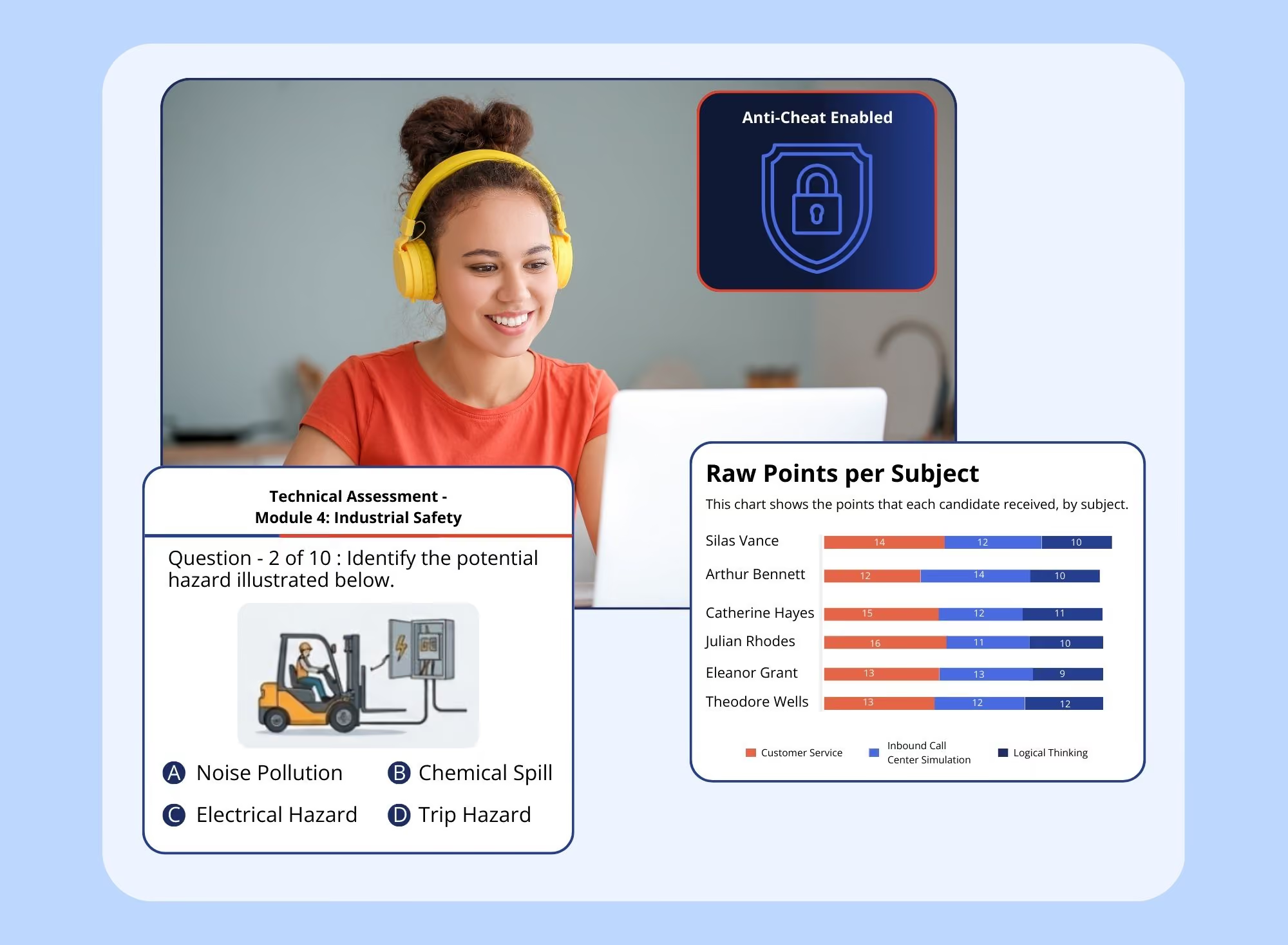
With easy access to AI, candidates are more resourceful than ever. Use eSkill's anti-cheat tools to maintain test integrity, verify skills, and hire better.




ANTI-CHEAT TOOLS
Stop cheating before it starts.
Use anti-cheat tools to prevent a test taker from using outside assistance and create an even playing field to hire the most qualified candidates in the process.

See how Prince George's County uses anti-cheat.
The Maryland county uses ID verification to ensure test takers are who they say they are.
Read the case study
WHY AI-POWERED PROCTORING?
Make testing fair for all candidates.

Level the playing field
Make the reward-to-risk ratio for cheating attempts a little more risky, a lot harder, and much less rewarding.

Verify candidate identity
Let candidates' real abilities shine. Spotlight those with the grit and knowledge to succeed, not just those who are...resourceful.

Stay compliant within hiring
Feel confident that your candidates' test results reflect their real abilities, not just their ability to Google or ChatGPT their way to success.
FEATURES & DESCRIPTIONS
All the tools in the toolbox.
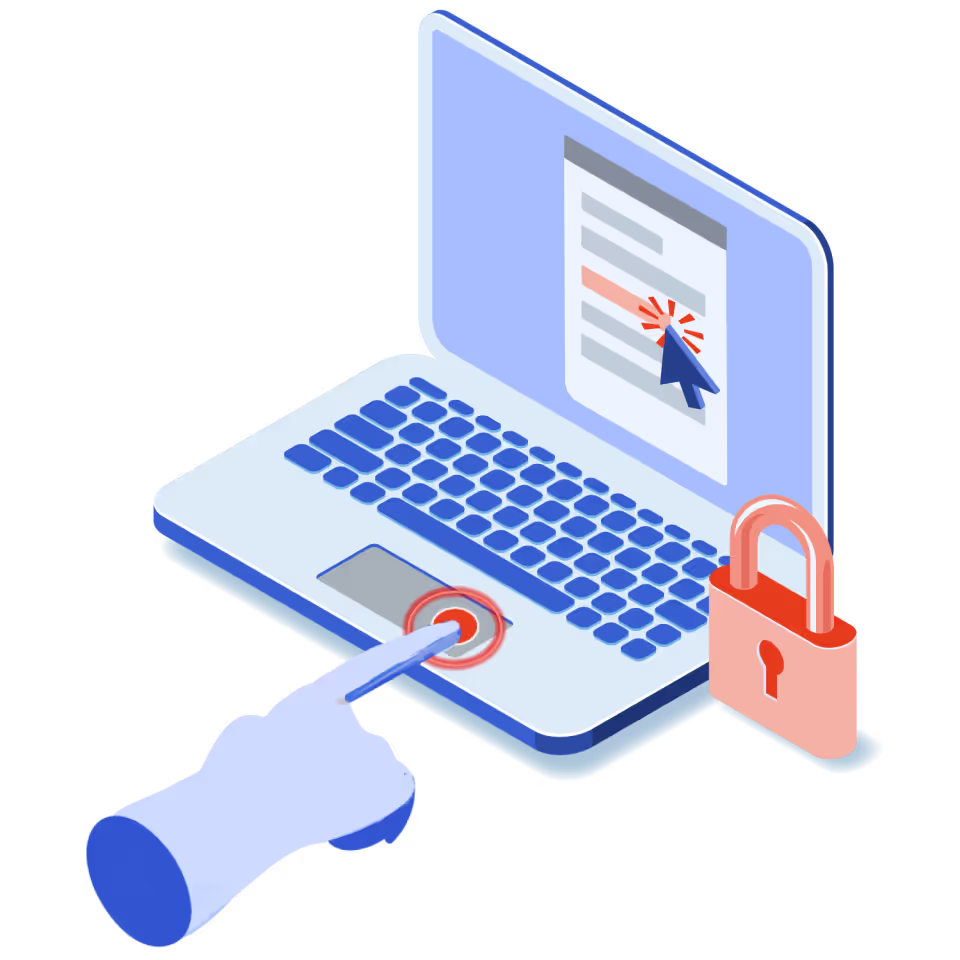
From forcing tabs closed to disabling multiple open windows, the eSkill anti-cheat suite includes a rolodex of measures to prevent all types of cheating. Even printing is disabled, so your tests can't be shared across the web following a test.
Close tabs
Forces all other tabs and windows to be closed before the exam starts.
One screen
Forces the candidate to disable all but one monitor before starting the exam and prevents them from connecting additional monitors during the exam.
Disable printing
Disables printing exam content to prevent exam distribution.
Disable new tabs
Disables new tabs or windows during the exam.
Force full screen
Forces the exam in full screen. Navigating away from the exam page for more than 15 seconds (cumulatively) results in removal from the exam.

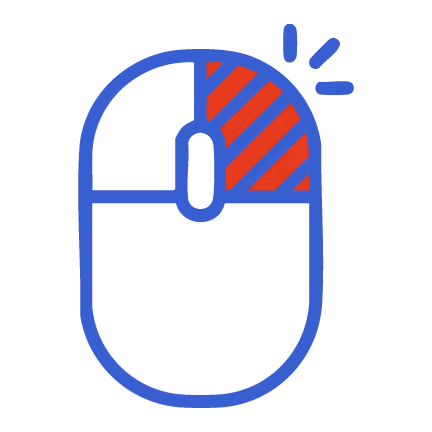
Disable right-click
Disables right-click functionalities.
ANTI-CHEAT OPTIONS
Two options. Based on your needs.
Need more than just anti-cheat prevention? Layer on AI-powered Proctoring to record audio/video, generate suspicion scores, and review flagged activity.
ANTI-CHEAT
Anti-Cheat Tools
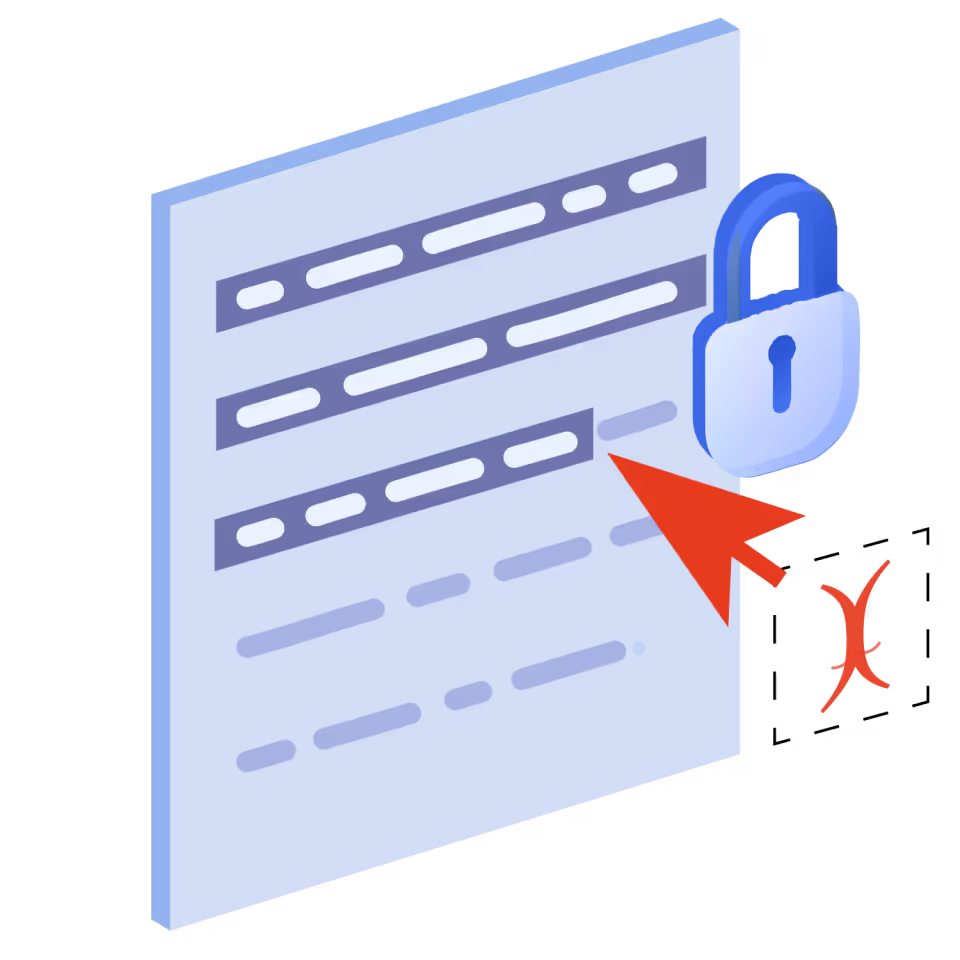
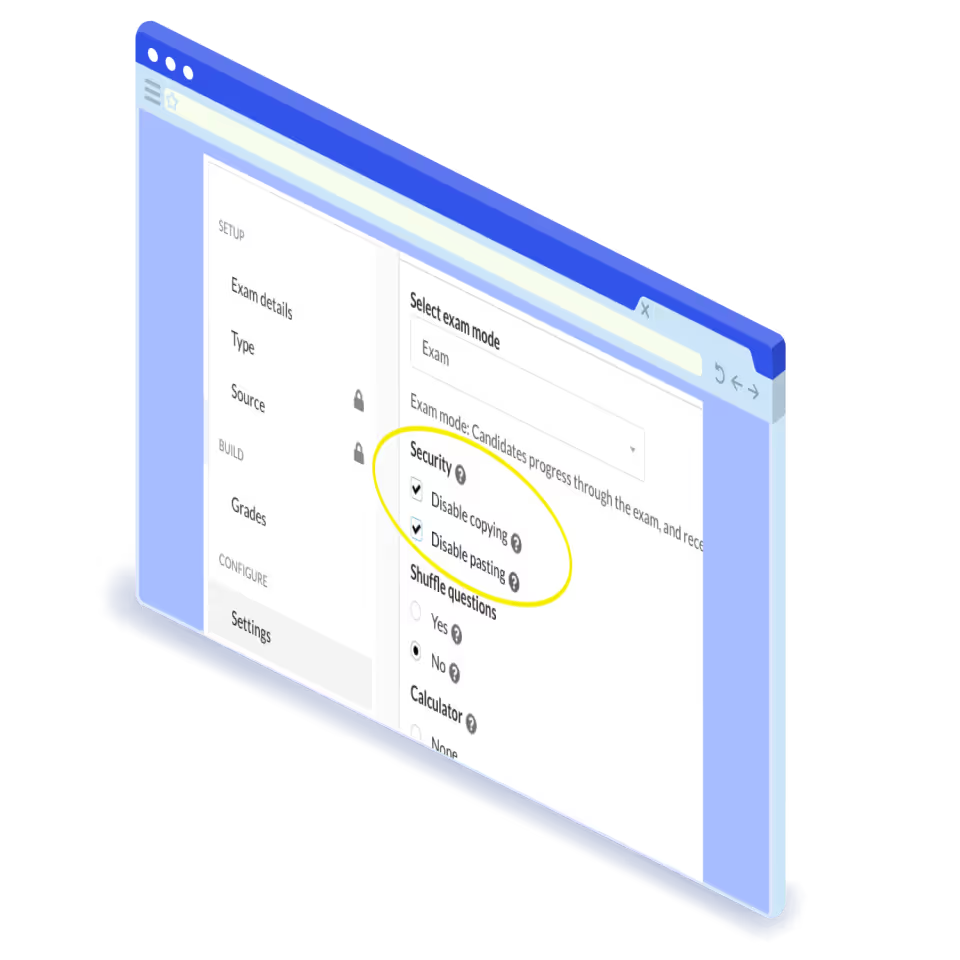
Stop cheating before it happens with eSkill’s anti-cheat tools. Disable copy & paste, force full screen, close additional browser tabs, and more to create an honest test-taking experience.
AI-POWERED PROCTORING
AI-Powered Proctoring
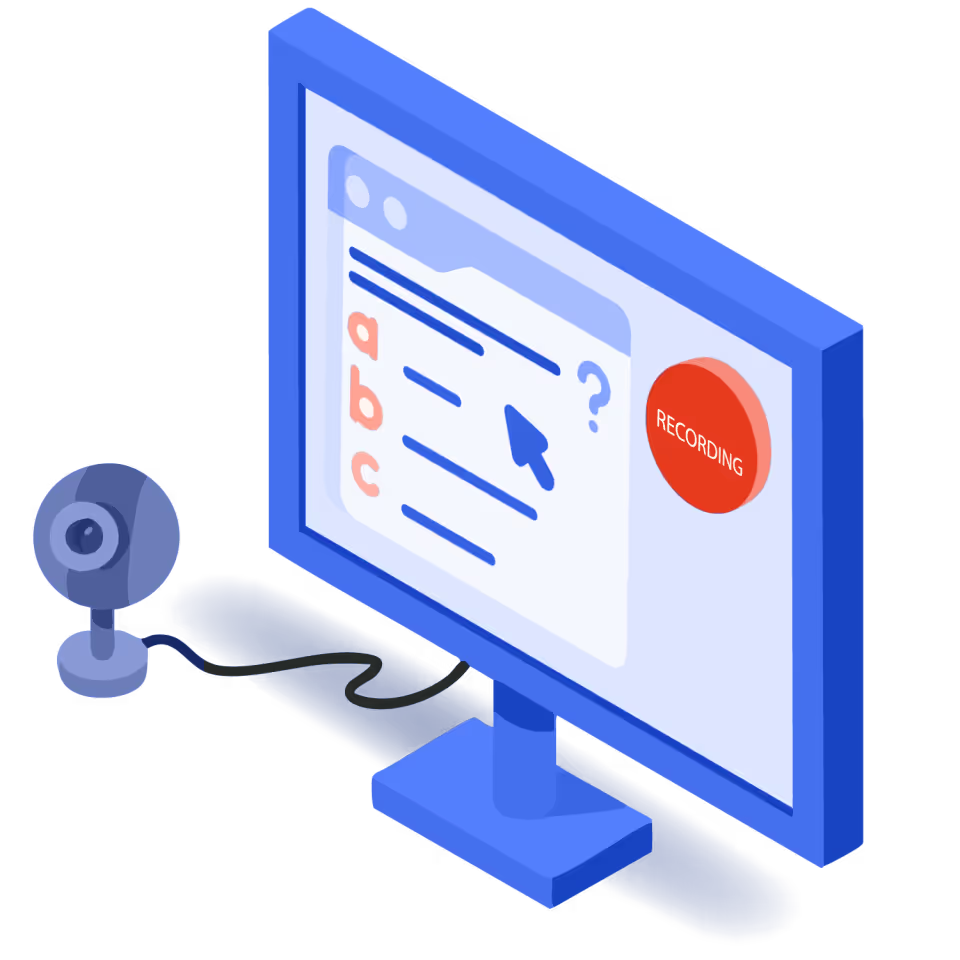
Add an additional layer of security by recording a test-taker’s webcam, screen, and audio. Based on these recordings, you can reference an AI-generated suspicion score and review sessions for instances of cheating.
Want to try anti-cheat?
Talk to our team and we can chat about how our tools can keep your hiring tests both fair and secure.
Talk to sales