


Linea takes the best of the eSkill platform and presents you with the relevant information you need to make your next great hire. Use Linea to find relevant questions, build an assessment from a job description or title, and run work sample simulations that mirror actual job duties.
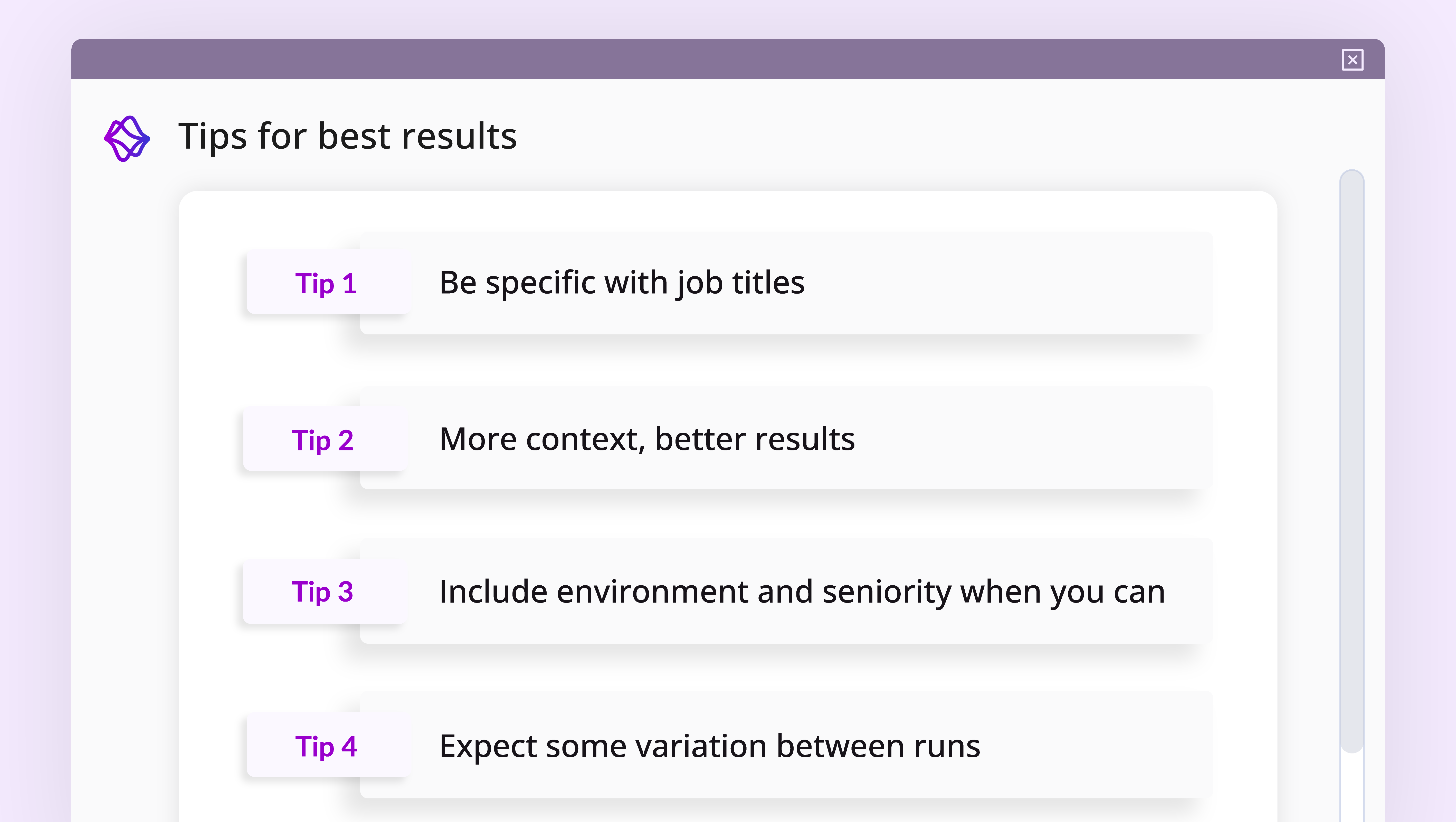
Every piece of eSkill’s expertise — Assessment Experts, the validated library, public skills standards — is surfaced by Linea and works for the recruiter, who stays in control of every hiring decision.
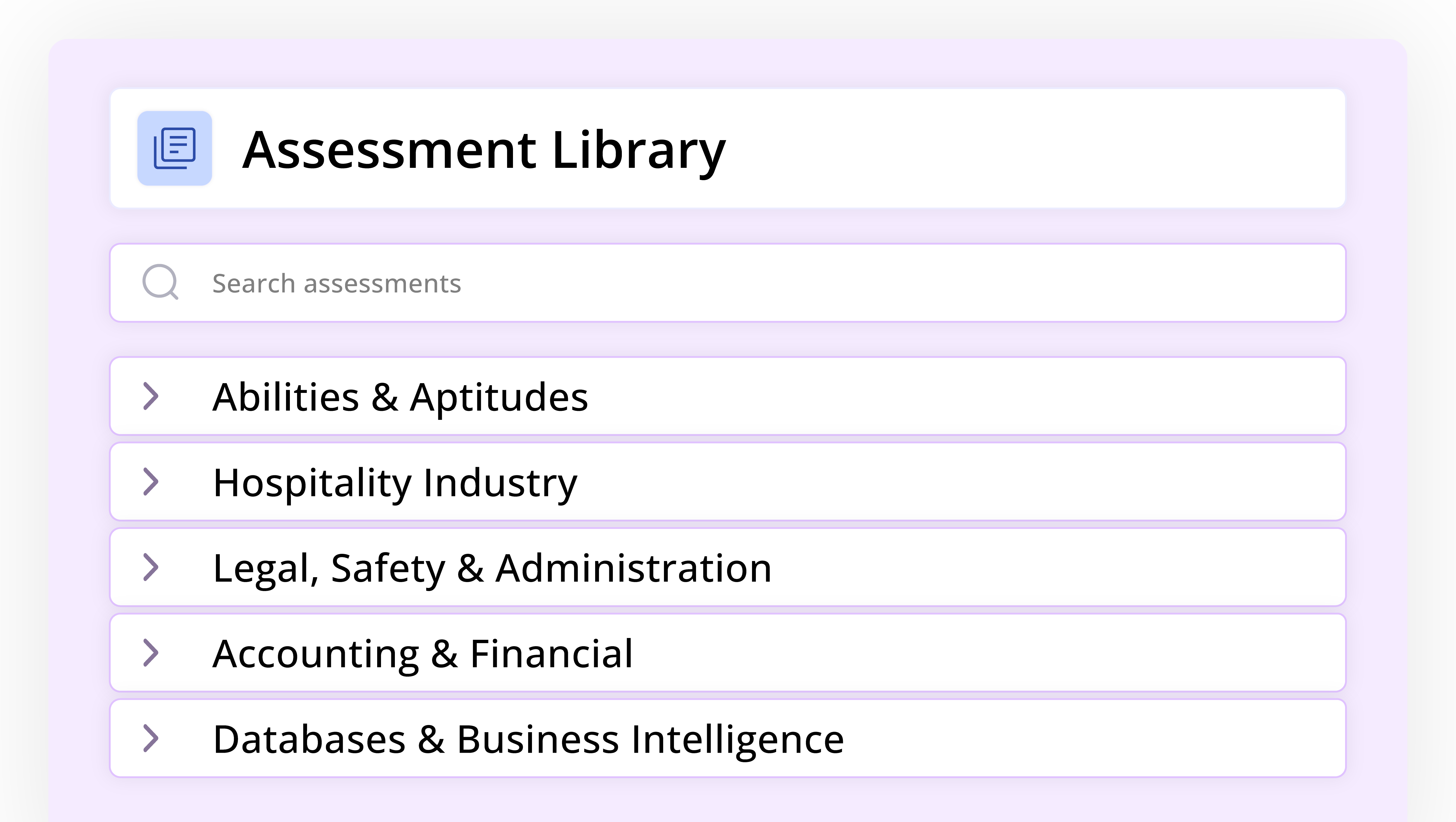
AI as librarian, not author. Linea AI assembles assessments from eSkill’s 20-year, expert-validated library; every question is chosen for a reason.
Linea AI is indexed to ESCO standards. Assessments are portable across regulatory contexts and interoperable with HRIS and labor market data.
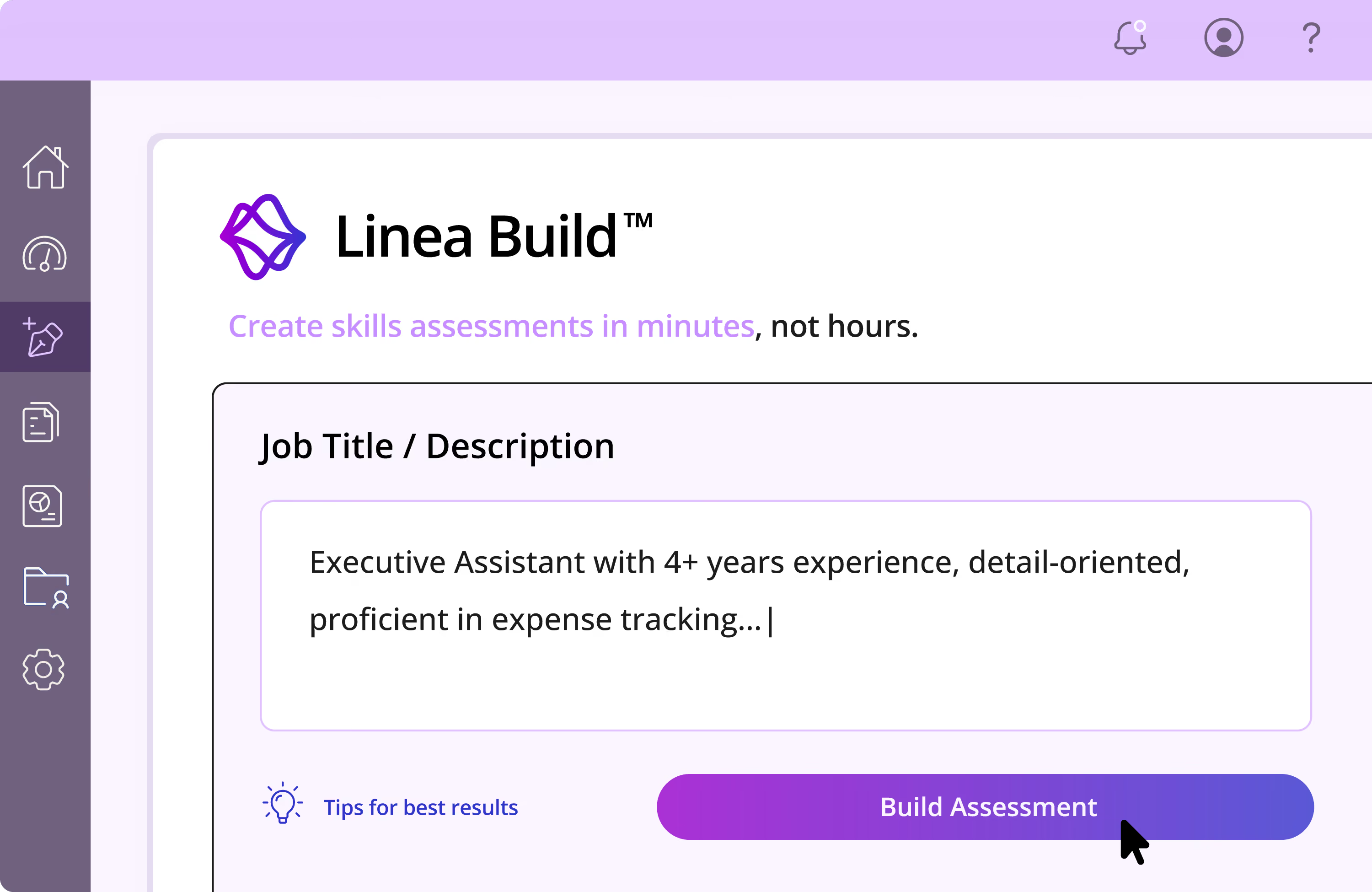
Paste a job title or description. Linea Build pulls the right questions from eSkill’s library and maps them to your role’s actual skills.
Have a job title handy? Chat with Linea to iterate its recommendation for the ideal output. Have an entire JD written? Upload the role requirements, and Linea Build pulls the right questions from eSkill’s library and maps them to your role’s actual skills.
Chat with Linea to create a test built to your specs. Linea will ask you what skills are required, test length, and other questions to help you craft the perfect test.
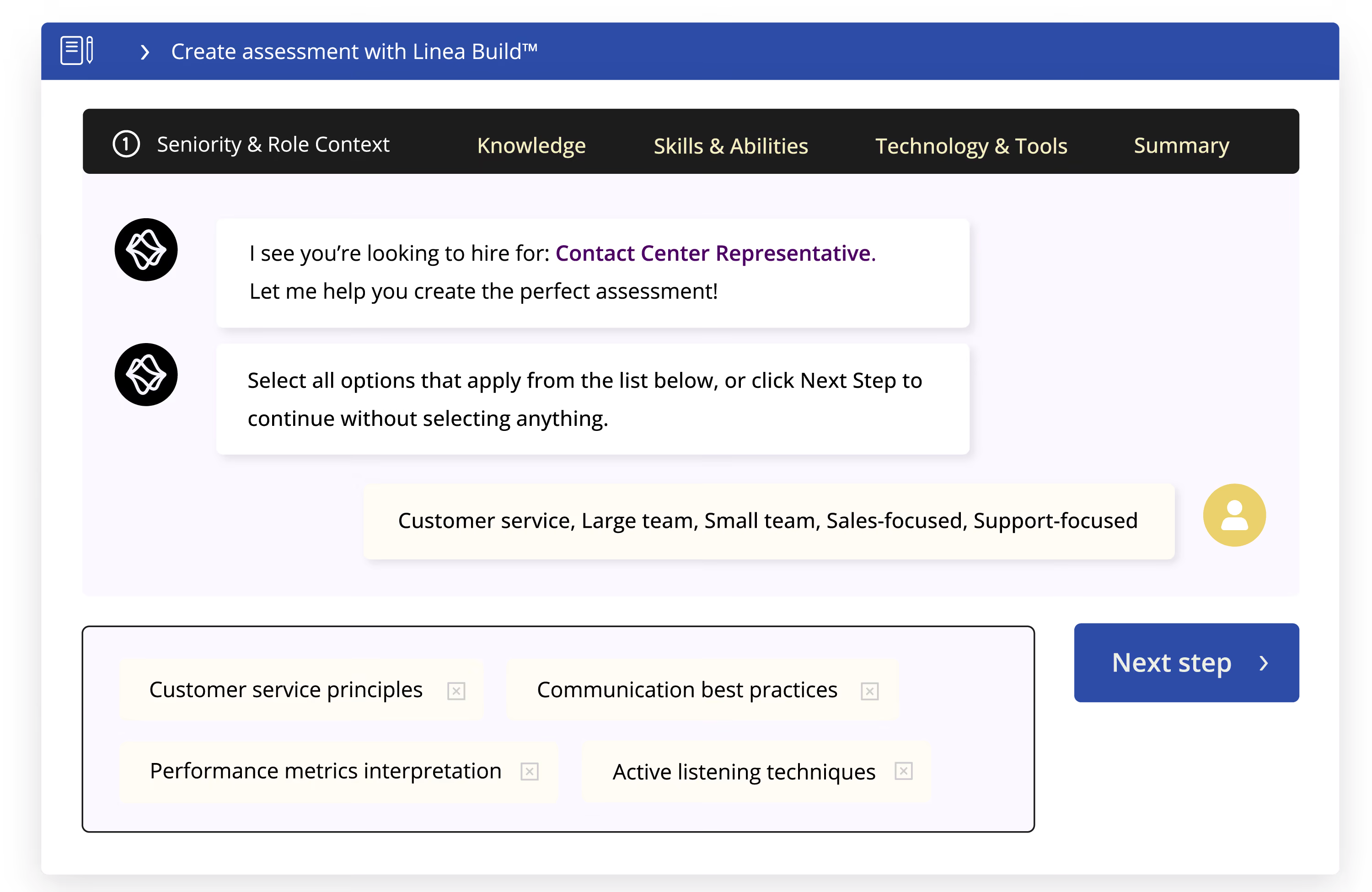
Approve or deny every question. Linea explains its rationale for its choices, but you have the final say. Add or remove questions at will to create a test that assesses exactly what's needed.
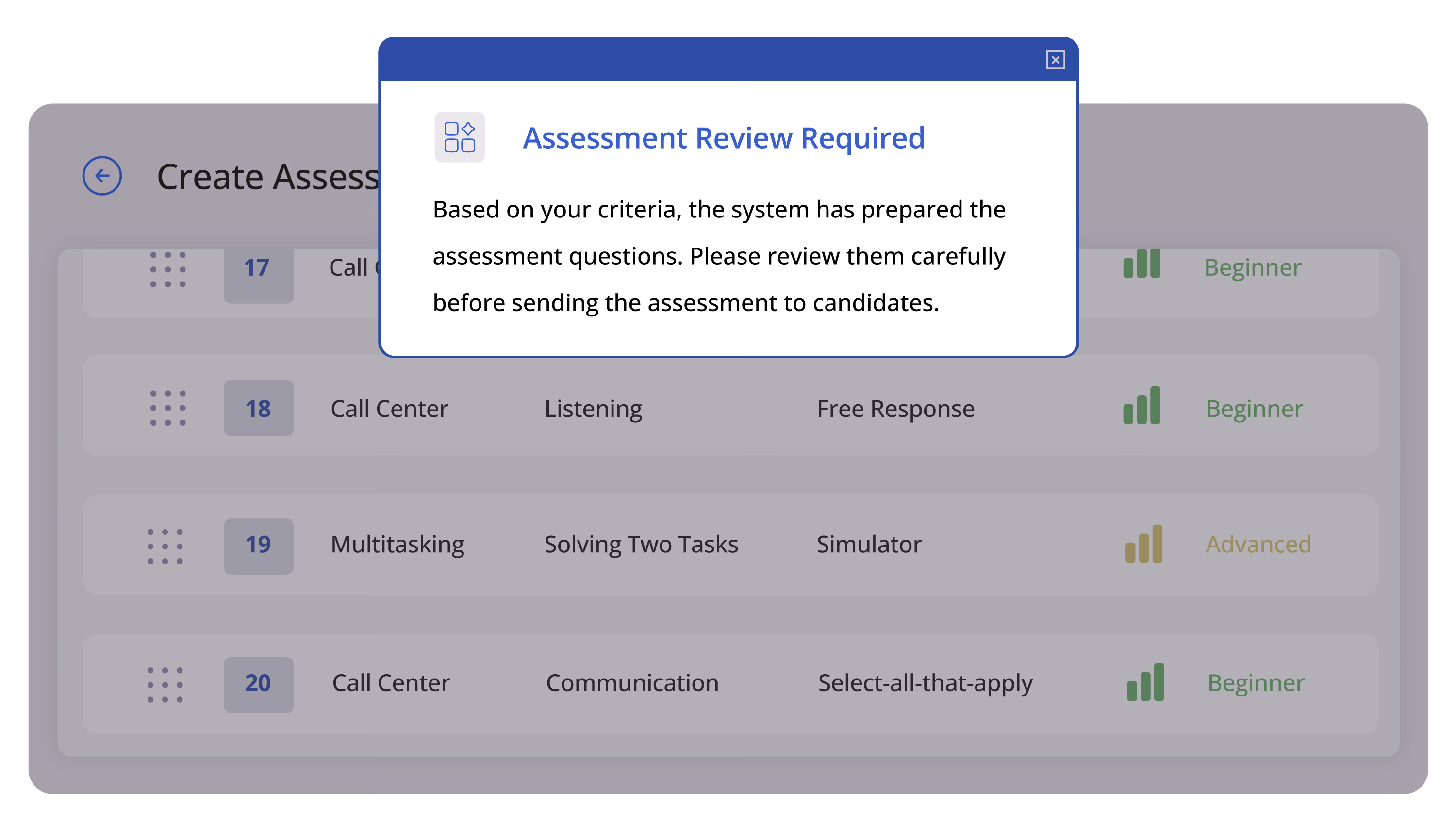
Work simulations are modeled on work sample tests, one of the most reliable predictors of success on the job. Simulations adapt to candidate responses and mirror on-the-job work more accurately than a multiple-choice assessment or a personality test.
.png)

Linea Sample tests and scores candidates on the skills that matter most to customer-facing roles, yet historically lack traditional validation processes: empathy and problem solving chief among them.
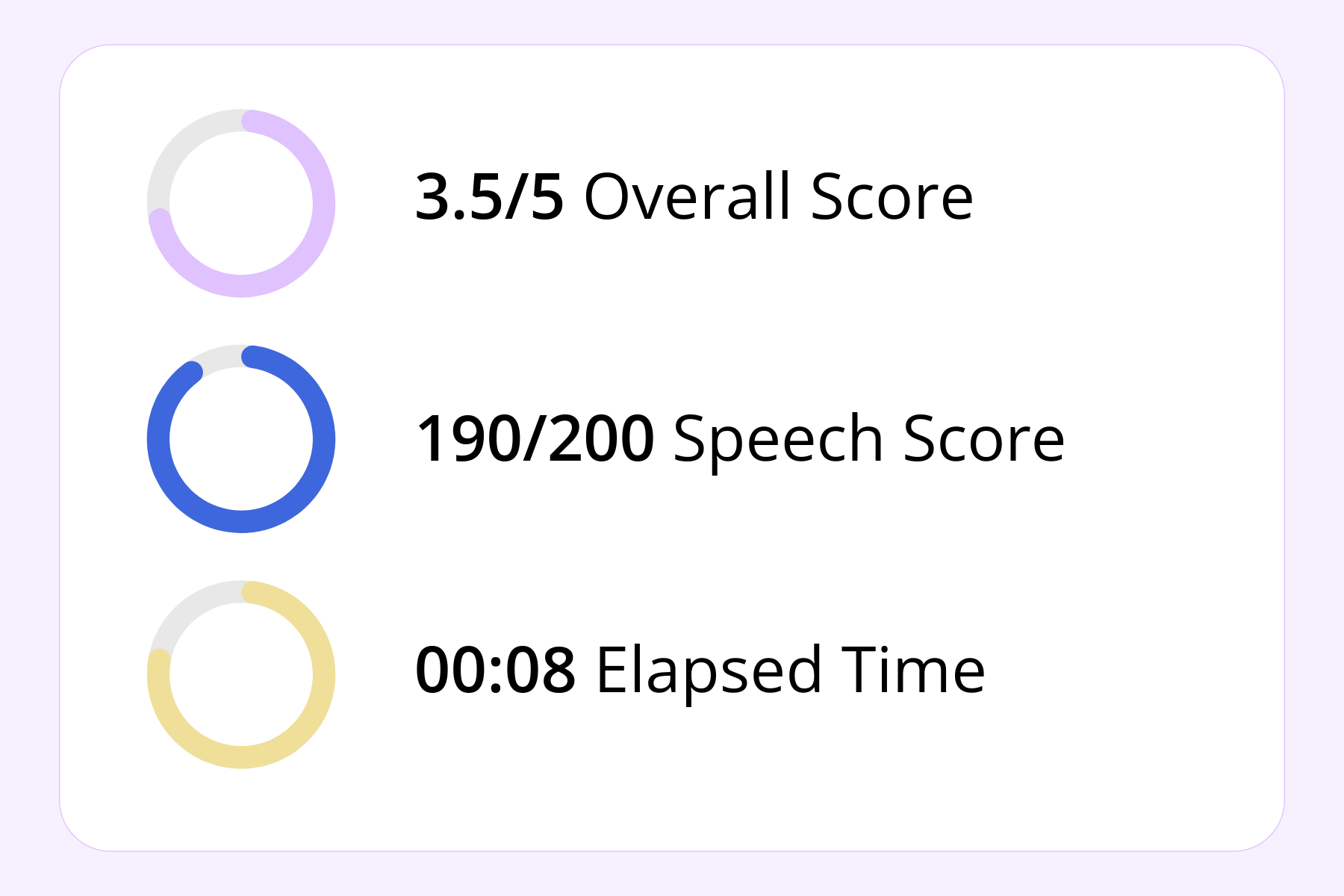

With brief simulations of on-the-job work, employers can identify those fit to handle customer-facing work, while job seekers themselves can assess whether they like the type of work the job would entail.
Talk to our team to see how Linea can work for you.
Linea helps with more than just skills assessments. As Linea becomes a bigger part of the eSkill platform, you can leverage the intelligence layer for new assessment measures, detailed analysis, and more.
.png)
Have questions about Linea? We've got answers!
No. eSkill’s question library is validated by human SMEs. Linea finds the best questions for your roles, and recommends them for a relevant test.
Yes. Linea recommends questions, but it’s up to you to accept or decline its recommendations.
We’ve mapped our skills library to ESCO standards. So Linea will recommend questions that are associated with the skills needed for your job title and role requirements.
The first iteration of Linea is just the beginning. Linea will eventually power new test types, give interview recommendations, create detailed reports, and more.
No. Linea is used only when an assessment is being created, before any candidate is involved. It does not recommend hiring decisions. Once an assessment is generated, it works exactly like any other eSkill assessment: candidates answer validated questions, and scoring follows eSkill’s standard methodology. Hiring decisions remain entirely with you.
Yes. Linea draws exclusively from eSkill’s validated content library — the same professionally developed question bank that underpins all eSkill assessments. Using AI to select questions does not change the content, validity, or scoring of the questions themselves.
Yes. Every generated assessment is logged: the questions selected, the stated reason for each selection, the source job profile, and a timestamp. This record can be retrieved after the fact, so you can always show how and why an assessment was composed.