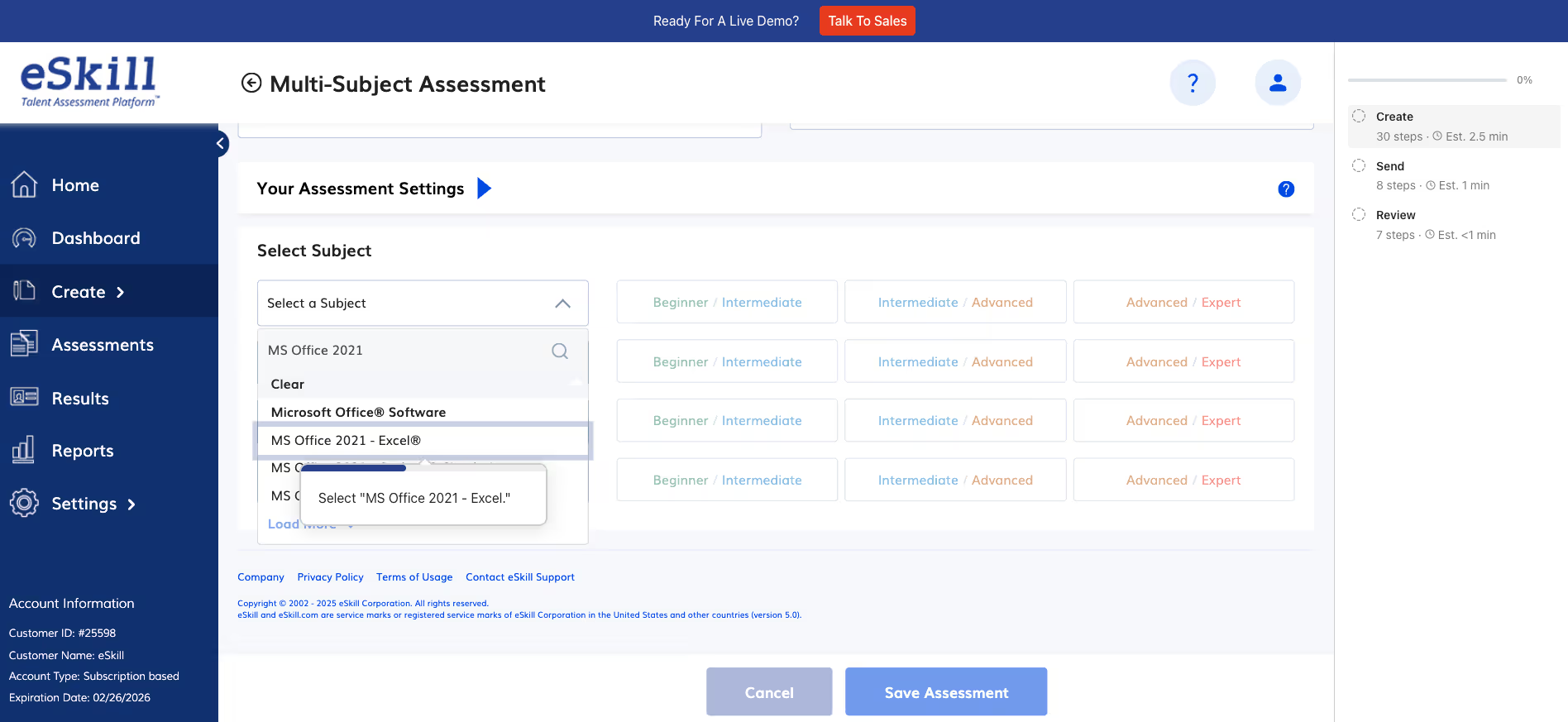
The most direct way to access your subscription information is through your eSkill Test Center, "Account Information". After logging in to your eSkill Test Center, look for the "Account Information" details on your left hand side of your screen. These details are visible from the Dashboard, Assessment and Reports page. This section hosts your Customer ID, Account Type and Renewal Date.
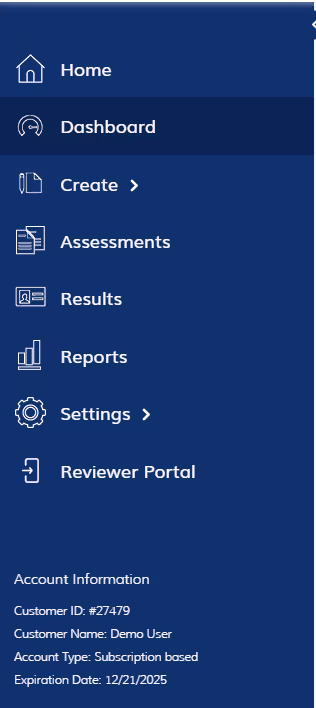
Account Information Preview
Coming Soon
If you have questions about your plan, need to make changes, or require clarification on your subscription details, you can: